
Google
UX lead, product renewal across Android and iOS
Google Authenticator
Bringing account sync to Google Authenticator meant changing a product people already relied on. I helped secure support for the work and led shared journeys across Android and iOS.
The central choice was whether to save codes to a Google Account or keep them on the device. Backup could make changing phones easier without making an account a requirement for everyone.
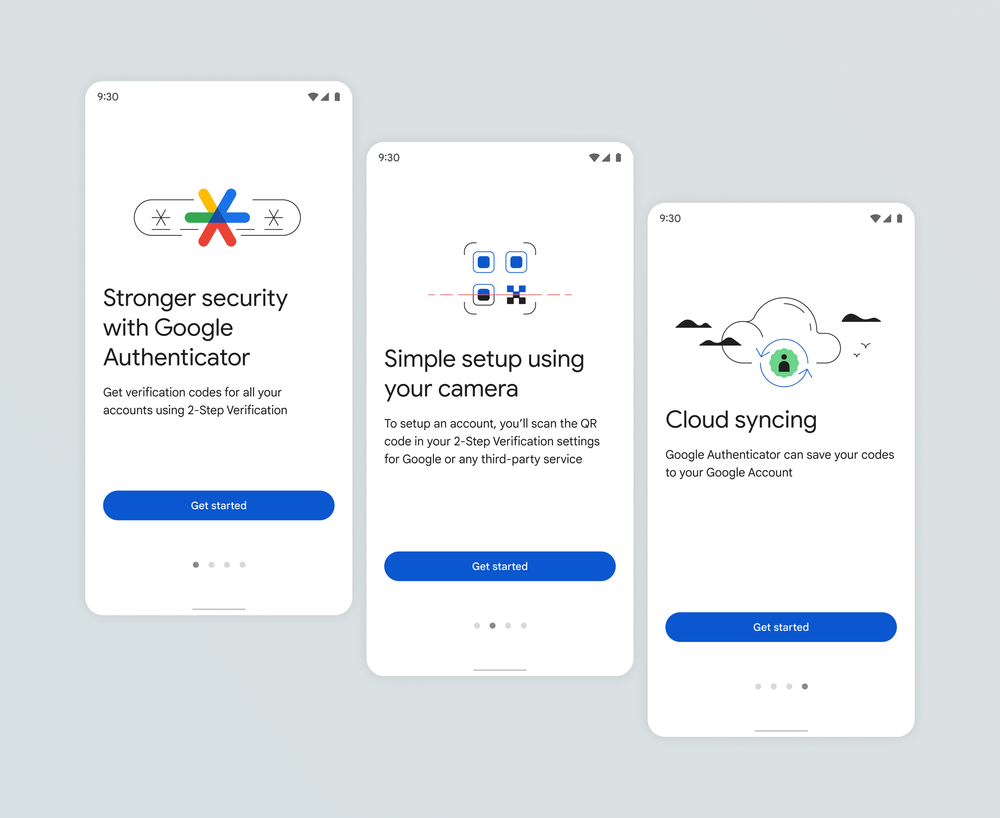
The case for renewal
Useful beyond one account's recovery problem
The work had stalled in part because sync did not solve recovery for someone with only one device. On a new phone, they might need a code to enter the very Google Account holding the backup.
I argued that this limitation did not erase Authenticator's value for third-party accounts. If we were keeping the product, we needed to maintain it. Securing support let us prioritize the renewal and bring product, engineering, research, content, and visual design into the work.
Cross-platform review
Keep the everyday tasks recognizable
People still needed to add a code, find it, and use it to sign in. I audited the Android and iOS journeys to align the decisions and explanations around those tasks, including account backup, while retaining platform conventions.
The add-code control below keeps QR scanning and manual key entry together. When a camera scan is not available, entering the setup key completes the same task. Adding sync did not remove either route.
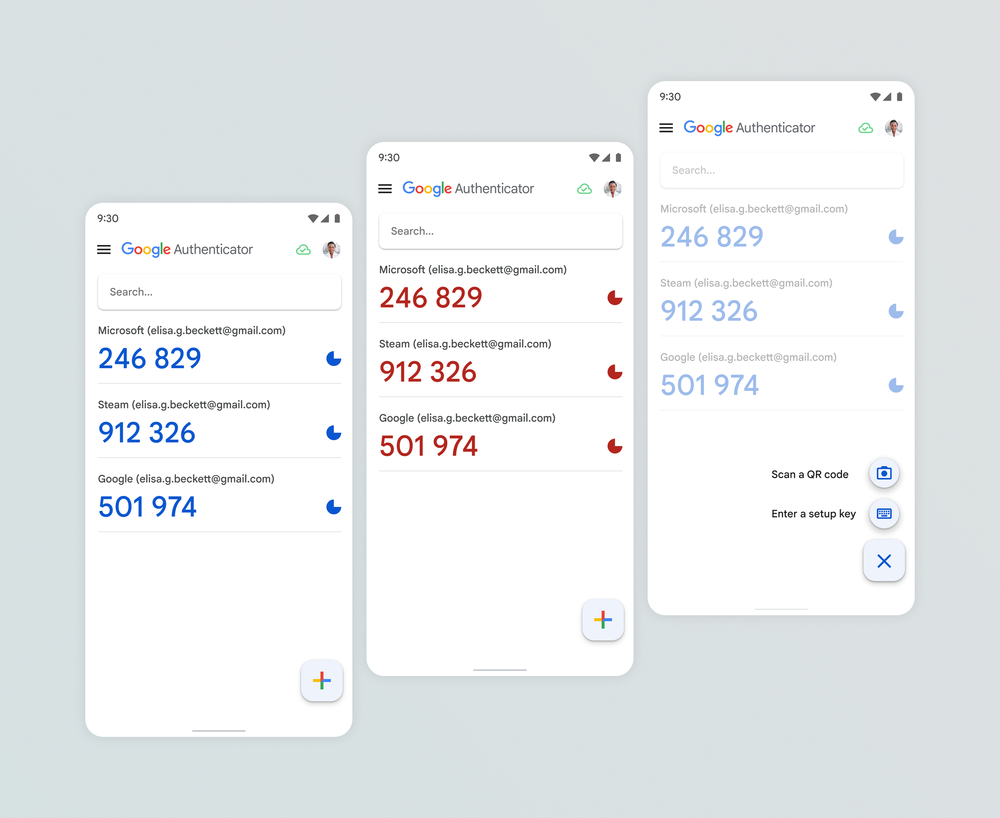
Continuity and choice
Make backup an option, not a condition of use
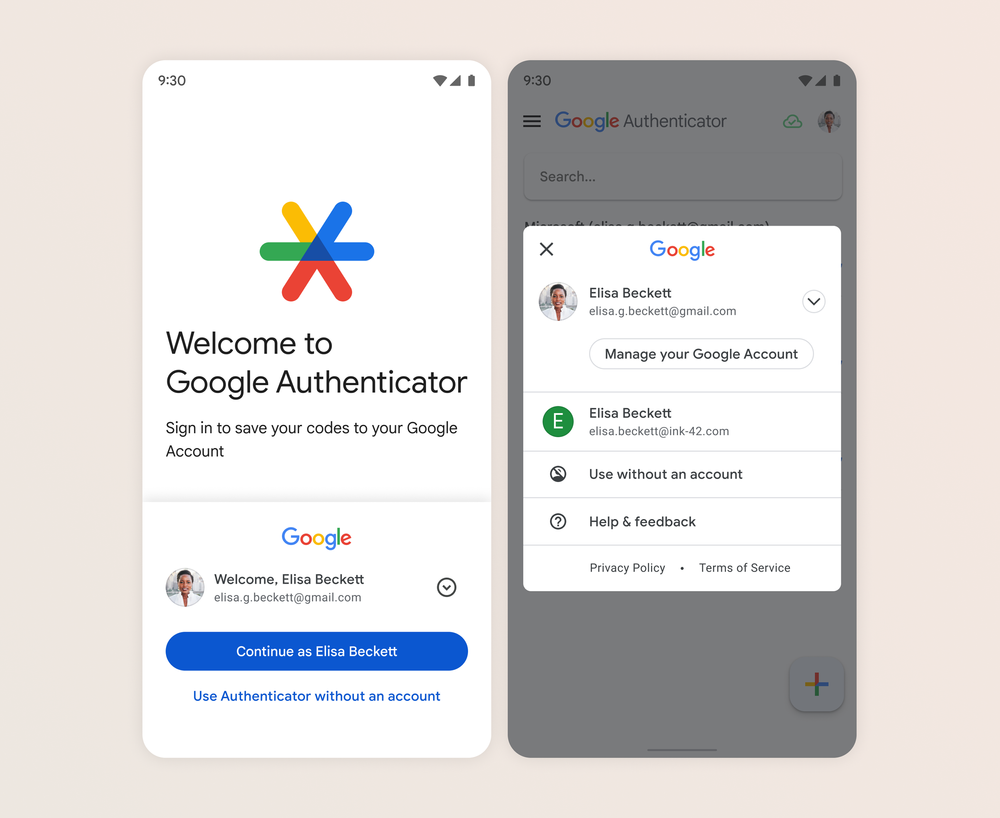
Some people valued keeping codes only on their device. I made account sync the primary setup path while preserving “Use Authenticator without an account.” The choice appears in onboarding and remains available in the account menu.
For existing users, the update introduced prompts to begin saving codes to a Google Account. After opting in, signing into that account in Authenticator on another device brings the saved codes across. Device-only users can instead export codes from the old device and import them on the new one. Each route preserves continuity differently; neither removes every recovery dependency.
Continuity decision
A setup choice that matters when devices change
Make synchronization the primary path, keep device-only use available, and account for what each means later.
-
Account synchronization
Save codes to a Google Account
Codes are synchronized through the selected account.
Sign in on another device
The saved codes become available in Authenticator there.
What this depends onAccess to the Google Account holding the codes.
-
Device-only use
Continue without an account
Codes remain on the device, without account synchronization.
Transfer codes to a new device
Use the old device to export codes and the new device to import them.
What this depends onThe old device and its codes still being available.
Team delivery
Share the decisions, not just the styling
I led the onboarding and visual-identity renewal with shared Material 3 components. Across Android and iOS, the important consistency was what people were choosing: where codes would live, how to add them, and how to continue without an account. The visual renewal supported that common product direction.
What changed
Codes could outlast the phone that held them
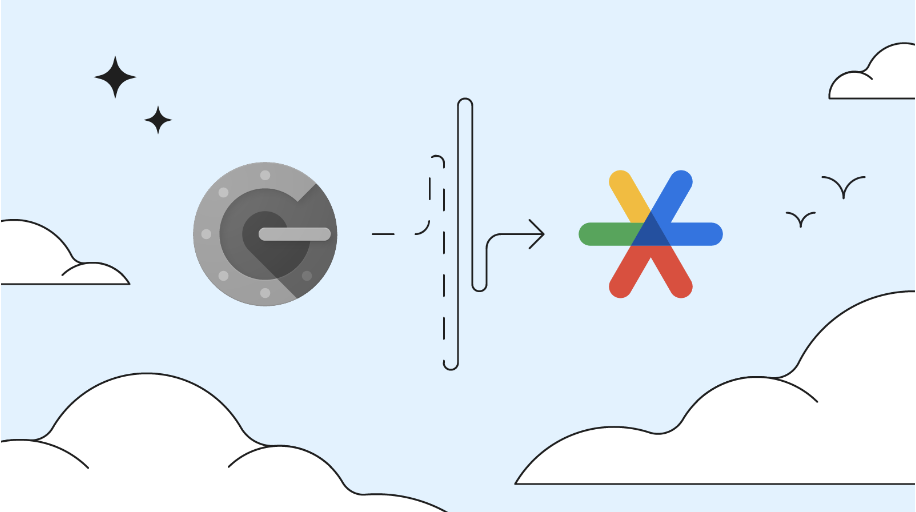
Google's April 2023 announcement launched account synchronization on Android and iOS, addressing longstanding feedback about lost or stolen devices. People who enabled it gained a backup path; those who preferred device-only use could keep it.
My contribution was the product case and design across those journeys. The launch was the team's delivery, with the choice and transfer behavior documented in Google's user guidance.
Public record